

Trying to unarchive an Instagram story but getting lost in the menus? It happens to a lot of people — the process isn’t super obvious. In this quick guide, we’ll show you exactly where to tap and what to do.
Plus, you’ll learn why DF Viewer can be a helpful extra when you want to check stories privately. Let’s get started!
Table Of Contents
What Instagram Archive Really Is
Your stories don’t just disappear forever after 24 hours. Even though everyone else stops seeing them, Instagram automatically saves them in your Archive.
So you’re not losing anything. Your trip photos, that random funny clip, or a moment you posted without thinking twice — they all stay tucked away for you to look at later.
There is also an archive for highlights, posts, and your live streams, all of which are stored there as well.
How to Unarchive a Story on Instagram? Step-by-Step
Here’s the easiest way:
- Open the Instagram app and go to your profile (tap the profile picture at the bottom right).
- Tap the three-line menu (☰) at the top right.
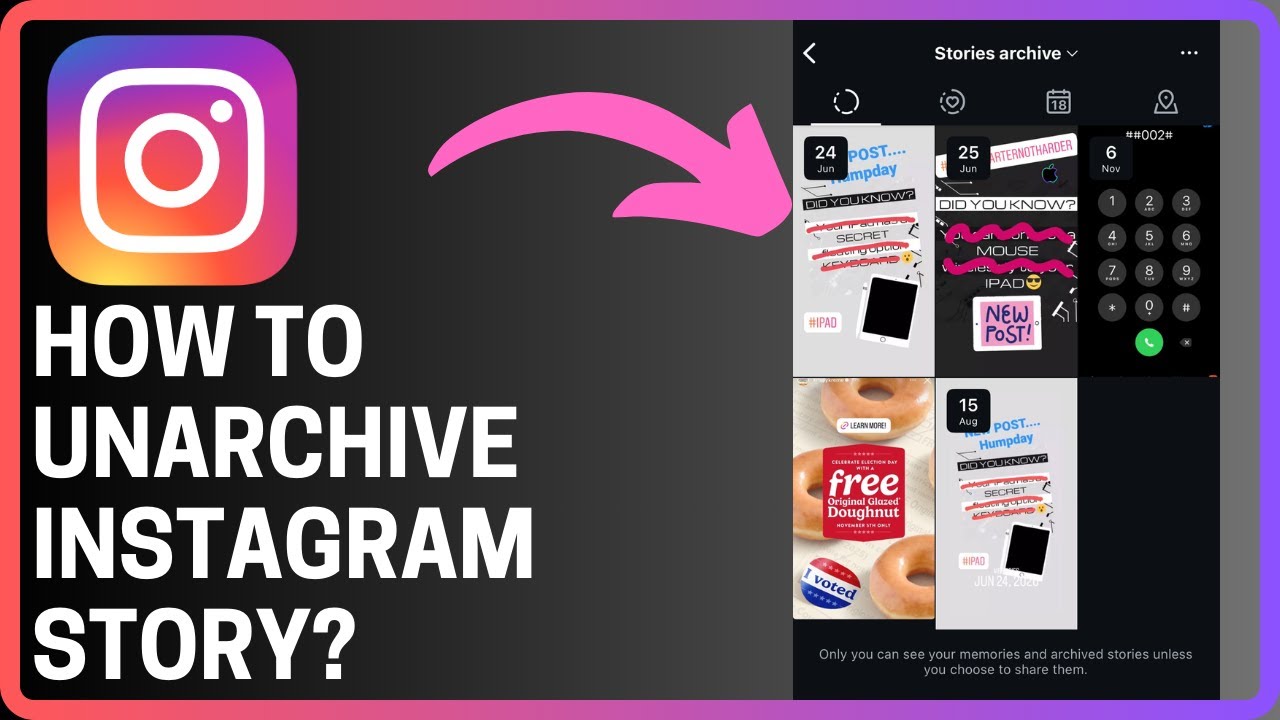
- Select Archive. Make sure the filter at the top says Stories Archive, not Posts or Lives. You’ll see everything you’ve ever posted, sorted by date.
- Scroll through until you find the story you want to bring back. Tap on it to open.
- When it opens, tap the three dots or the share icon.
- Pick Share as Story if you want it to go live again, or choose Add to Highlights if you want it pinned on your profile.
That’s how you can easily unarchive a story on Instagram.
When you repost it, Instagram treats it like a brand-new story, so it’ll show up in people’s story tray and then drop back into your Archive after 24 hours.
If you add it to Highlights, it stays there until you take it down, letting you build a little collection from your old story moments.
Why You Might Not Be Able to Unarchive a Story on Instagram
Even when you follow every step, you might notice a story just isn’t there. A few things can explain it:
You deleted the story yourself.
If you took the story down before the 24 hours were up, Instagram doesn’t save it. The app treats it as fully deleted, so it never makes it into your Archive.
Instagram removed it.
If the story violated any of Instagram’s rules — things like copyrighted music or anything that triggers their guidelines — the platform may pull it completely. And once that happens, it won’t show up in your Archive at all.
So if this happened to you, it’s usually not about an accidentally archived Instagram story or a wrong tap in the settings. In most cases, it’s just one of the two reasons we mentioned above.
Discover Stories Like Never Before with DF Viewer

What about those stories you really want to watch without being noticed, so no one finds out? Let’s be honest — most of us have checked in on an ex just to see how they’re doing. Pure curiosity. Nothing unusual about it.
DF Viewer lets you look at someone’s Instagram activity completely anonymously. No one sees your nickname, and you don’t leave any kind of trace.
Here’s what you can do with it:
- Check out stories from people you’re curious about.
- Download their photos and videos in full quality.
- Look through their profile without logging in.
- View their followers.
- See who likes their posts and whose posts they like.
- Check private accounts.
And you don’t have to download a thing — DF Viewer runs right in your browser. You also don’t need to type in your Instagram login, password, or even your username. It’s straightforward, quick to use, and most importantly, it keeps you safe.
Final Words
Now you know how to unarchive a story on Instagram, so it shouldn’t give you any trouble anymore. And if there ever comes a moment when you want to check someone’s story anonymously, you already know the easiest way to do that, too.